2.7.46
Introducing Kyo Documents
Kyo Documents allows you to create, edit, and collaborate on documents directly within Kyo.

New features every week.
Kyo Documents allows you to create, edit, and collaborate on documents directly within Kyo.
Hover over your unread notification icon to quickly peek at your unread notifications.
Hold the spacebar on any page to quickly peek at your tasks for the day.
Custom agent loops can now be triggered on a scheduled cadence or when certain conditions within your workspace are met.
Upload files to your custom agent instructions to give them custom context outside of your workspace and integrations.
Hold the Shift key to view navigation hints that help show you where everything is in Kyo.
Track your agency's P&L with full C1, C2, and C3 reporting.
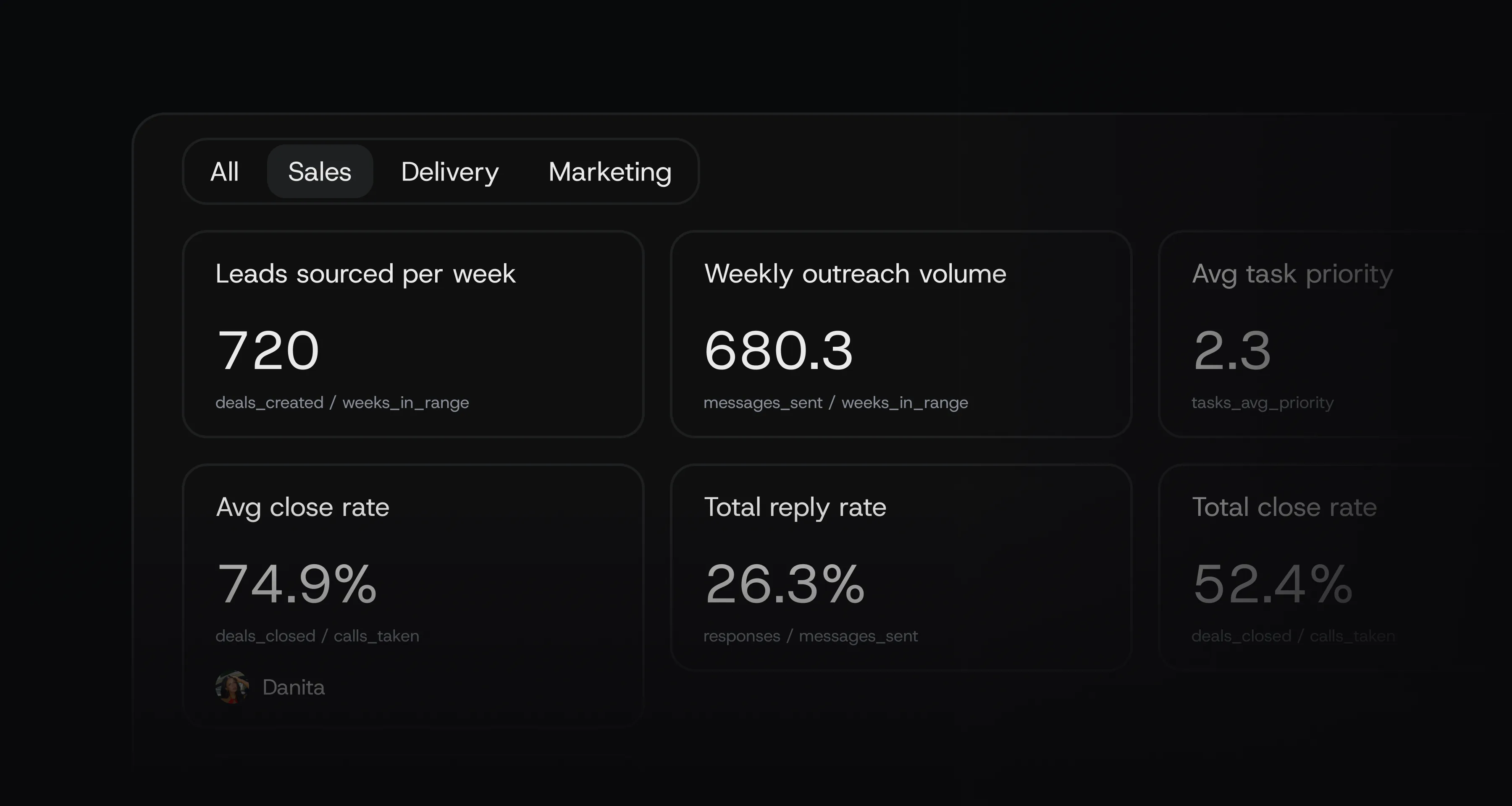
Categorise metrics by category, department, or project.
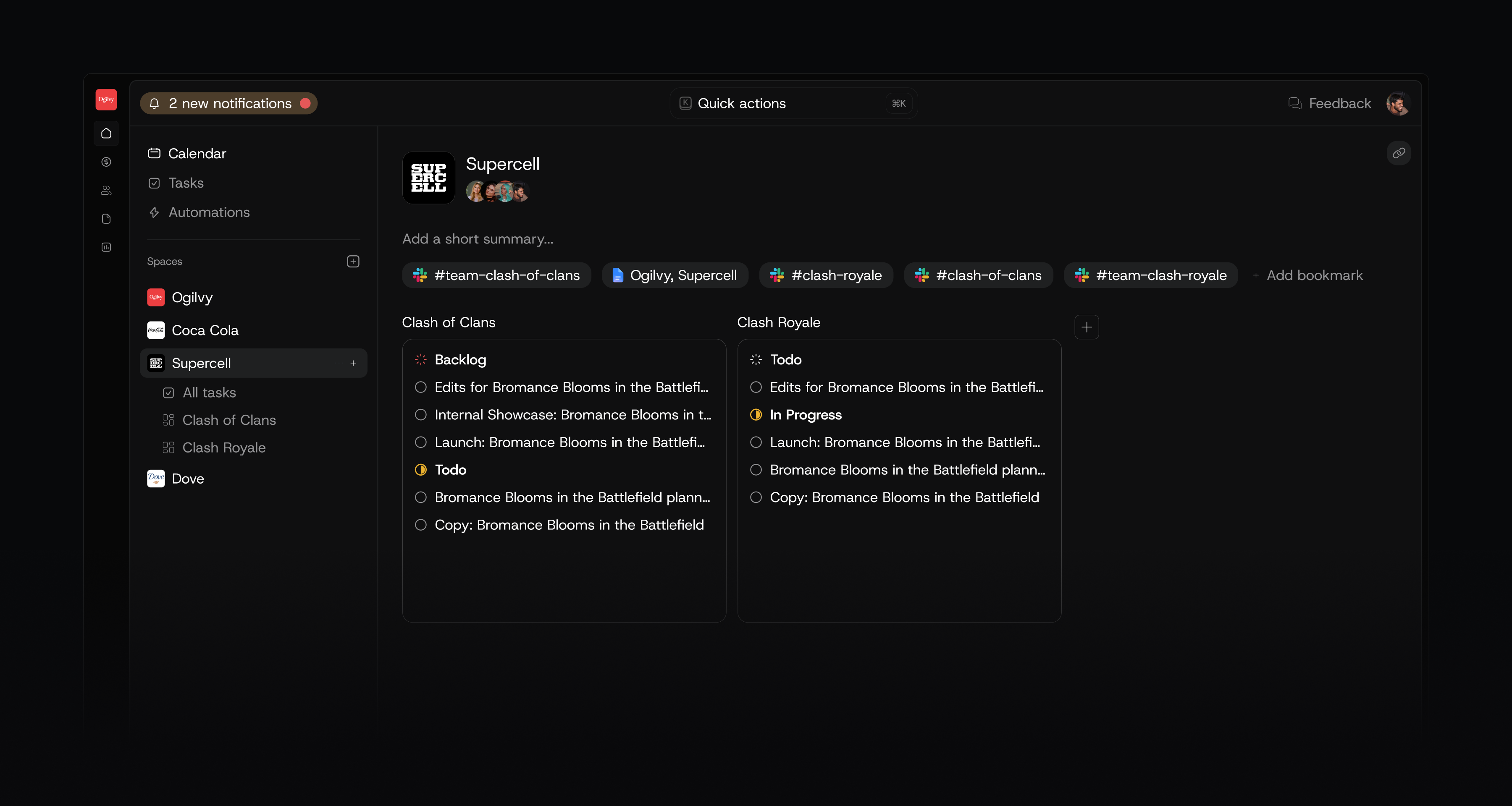
A new way to think about and use client spaces. More useful, less cluttered.

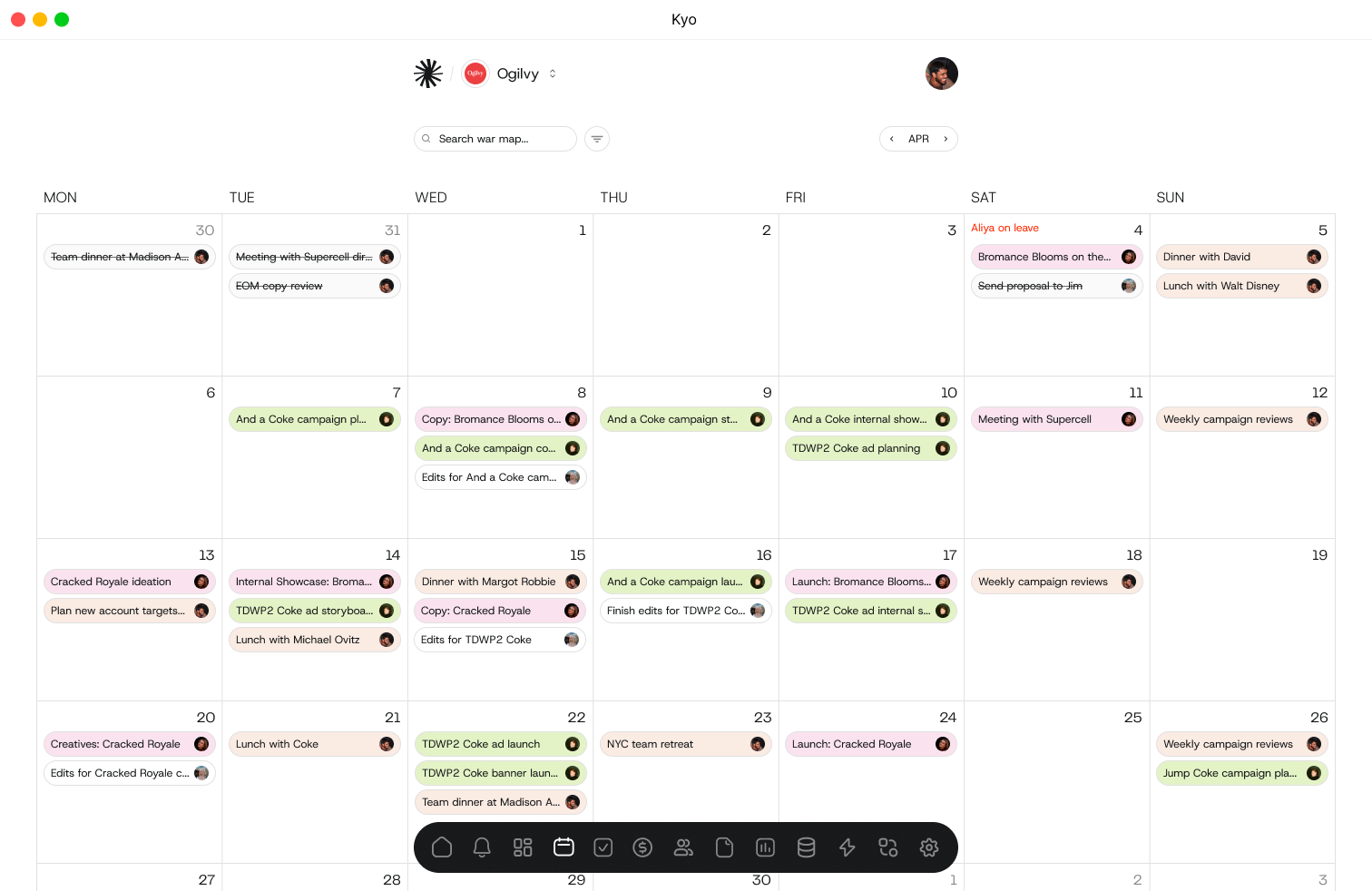
Easily see what tasks you have on the calendar by simply toggling 'Just me'.
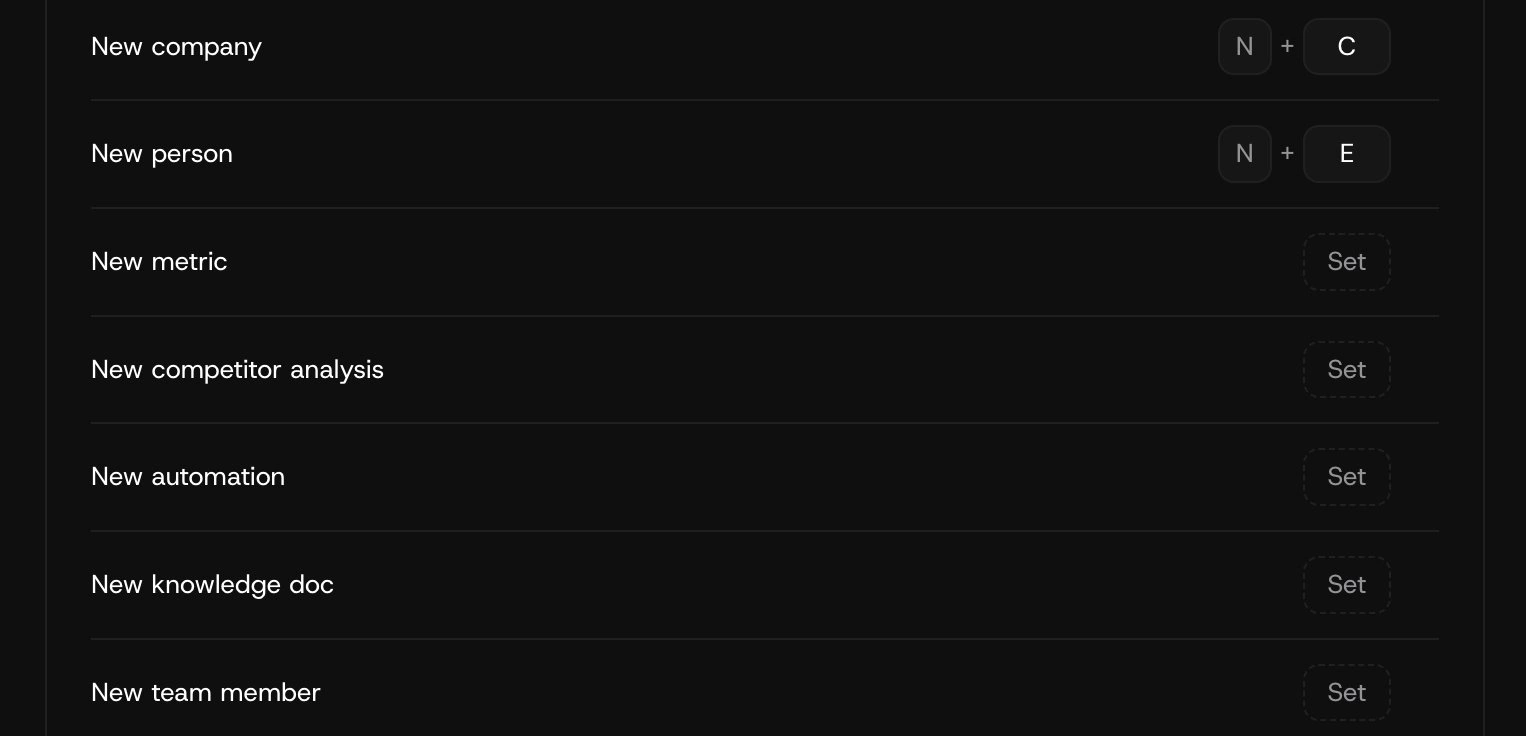
Create hotkey shortcuts for everything in Kyo.
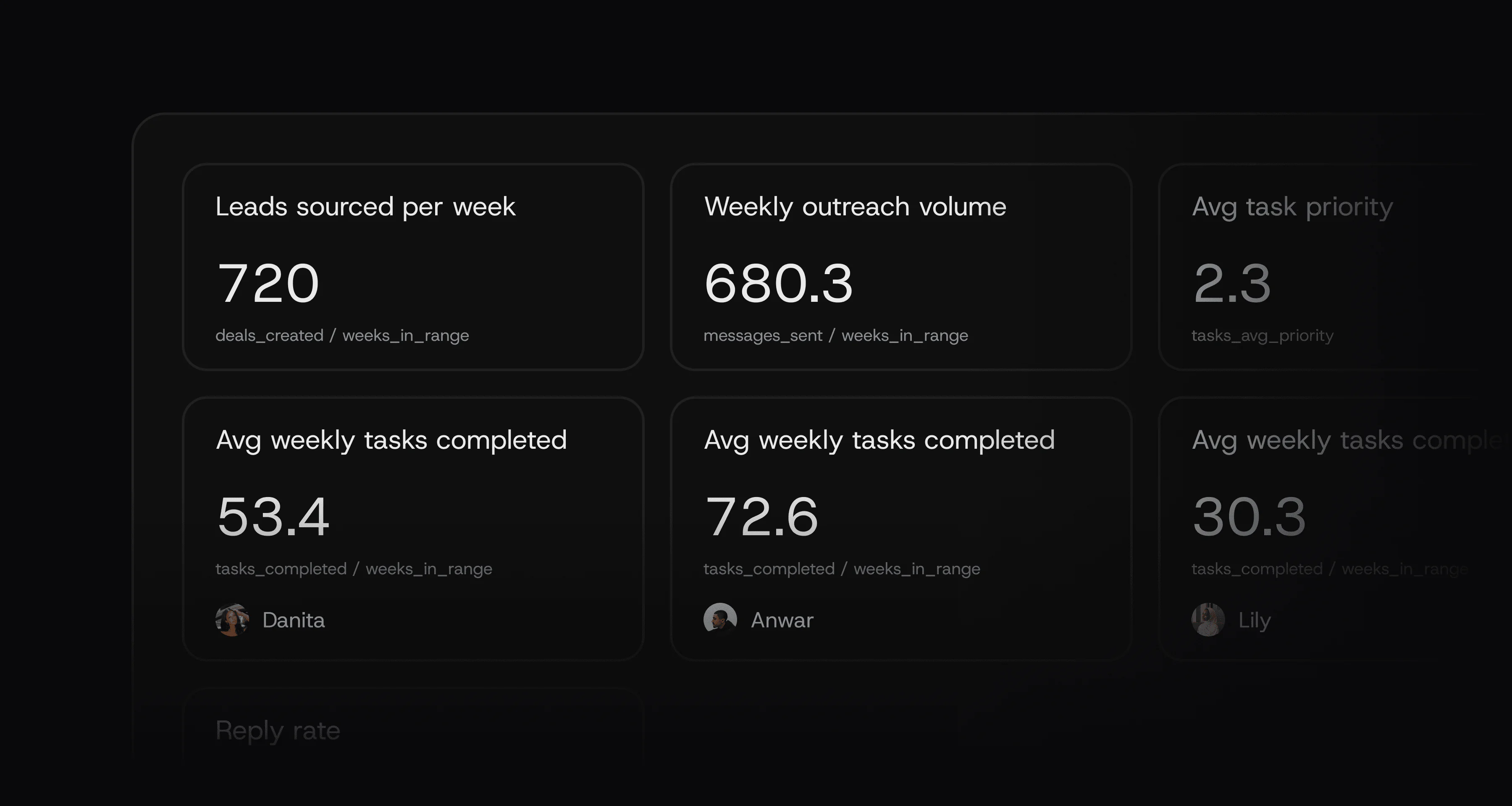
See all metrics, KPIs, and performance data for your agency in one place. Measure sales, operations, HR, delivery.
Faster loading speeds, smoother animations, and squashed bugs. We also made some design improvements to the task page.
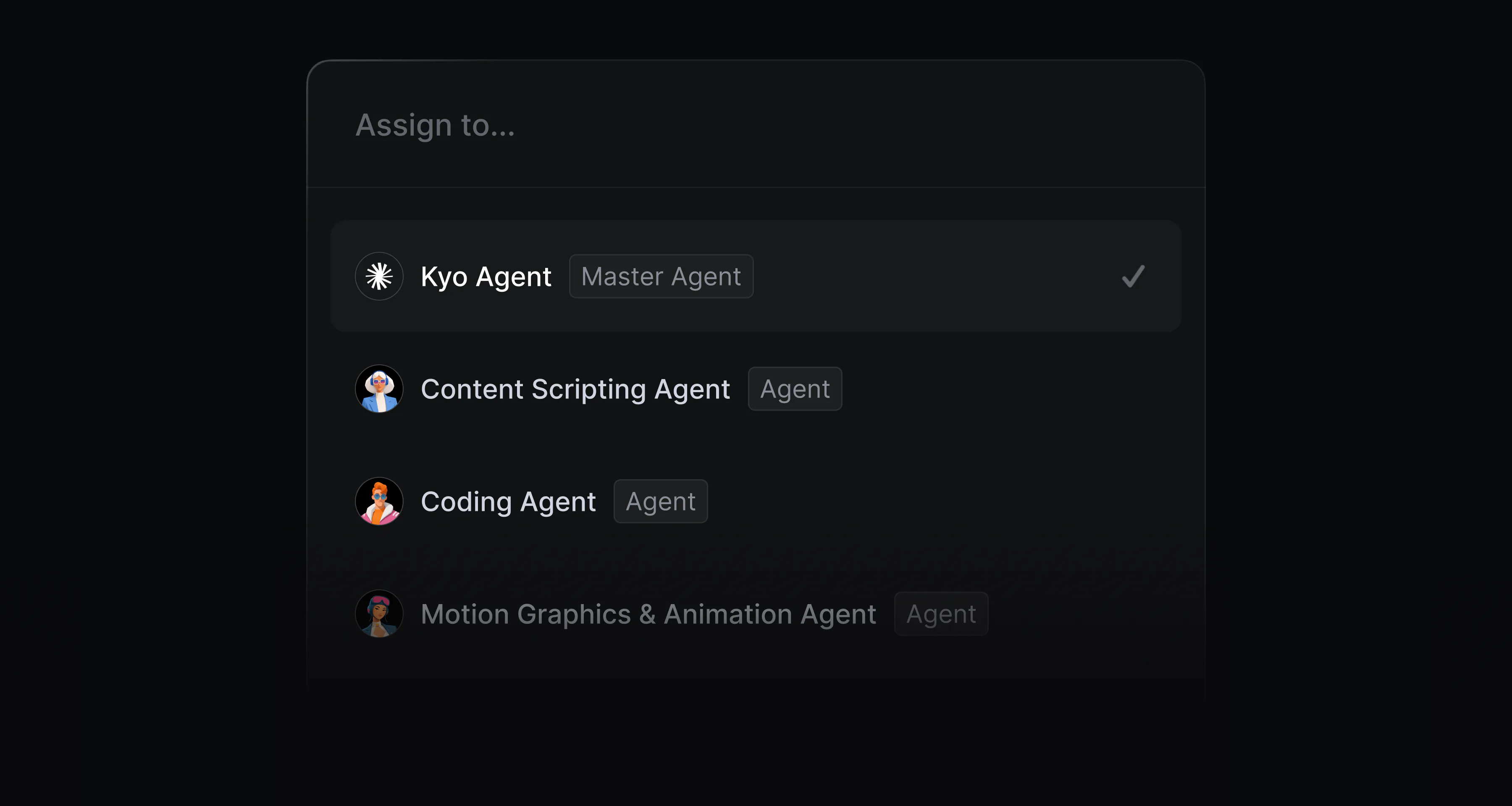
Assign agents to any task and mention them in conversations, just like any other member of your team. Orchestrate tasks at scale and monitor each agent.
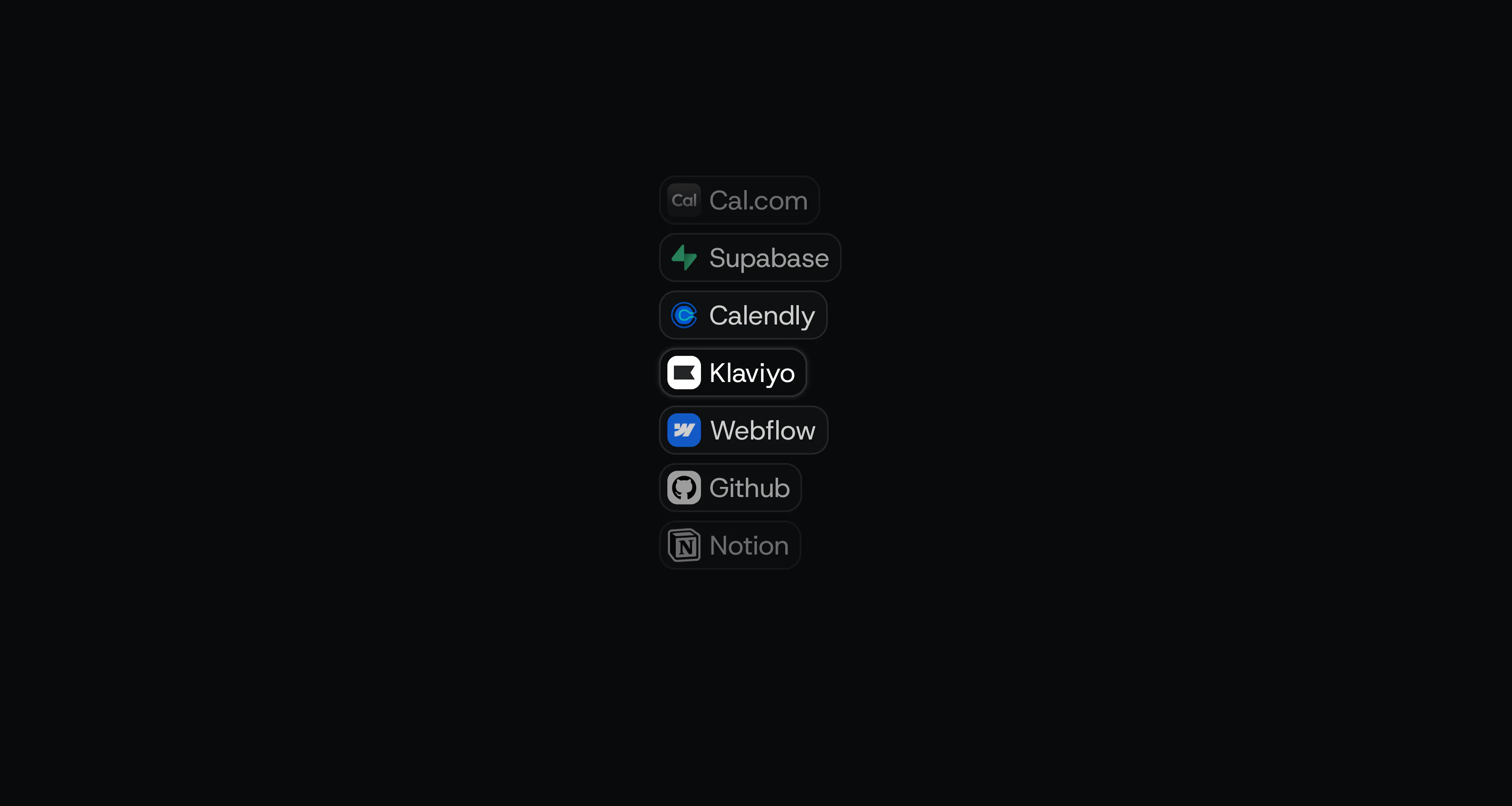
In preparation for our 2.6 Kyo Agent release, we've added 10+ new integrations that can be accessed by your agents to perform tasks on your behalf. Klaviyo, Github, Meta Ad Manager, Cal.com, Webflow, and more.
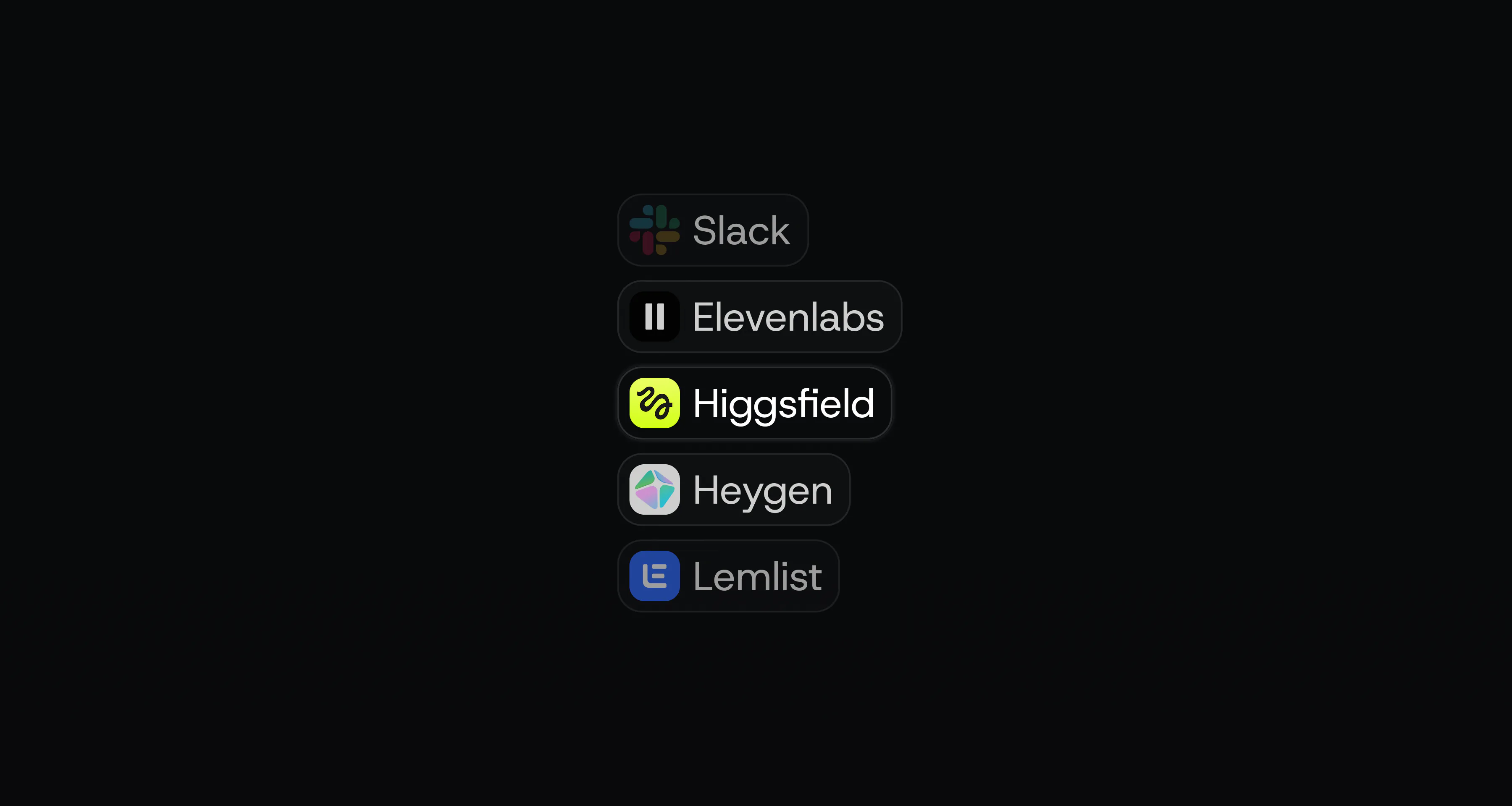
Connect Higgsfield, Heygen, and Elevenlabs to Kyo soo you can use generative image, video, and audio AI tools directly from your workspace.
Faster loading speeds, smoother animations, and squashed bugs.
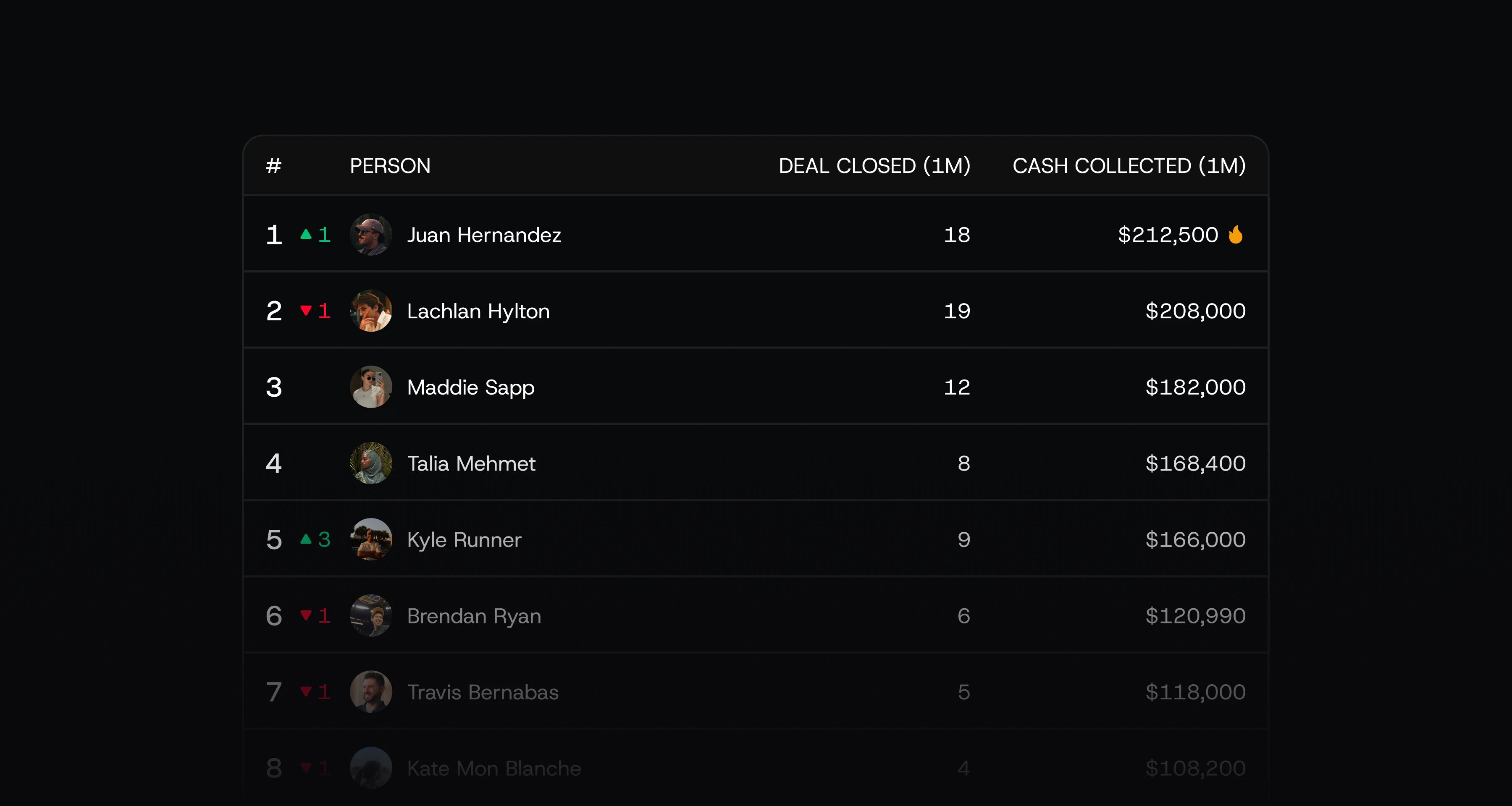
Have your closers and setters compete with each other to get more cash collected for your agency. See real-time sales ranking updates.
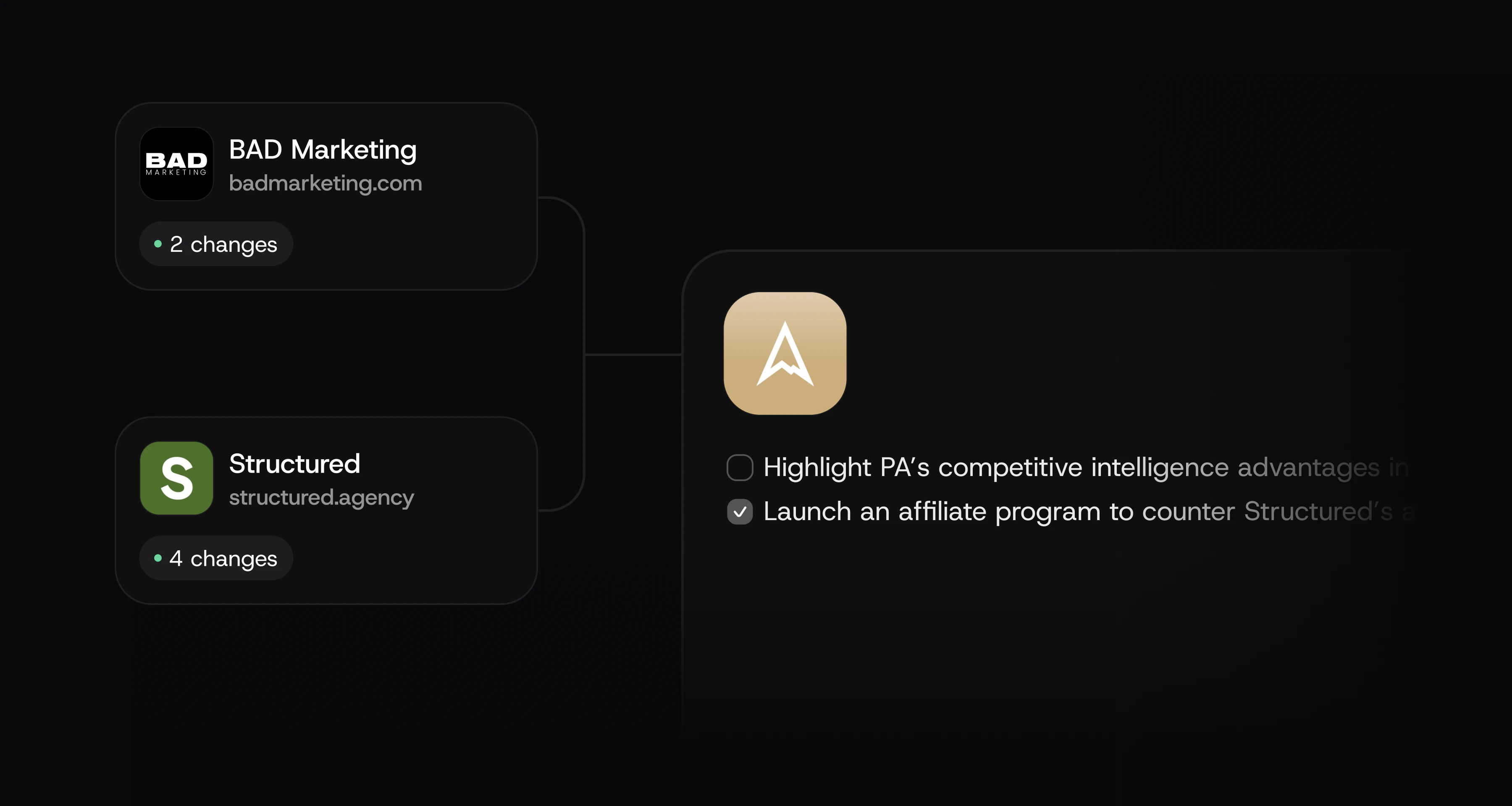
Kyo monitors your competitors' websites, to provide you with insights on their latest activities, and suggests tasks to always keep yourself and your clients ahead.

Connect tools like GoHighLevel, Notion, Calendly, and many others to pull in context for creating tasks, updating CRM pipelines, and writing project updates.
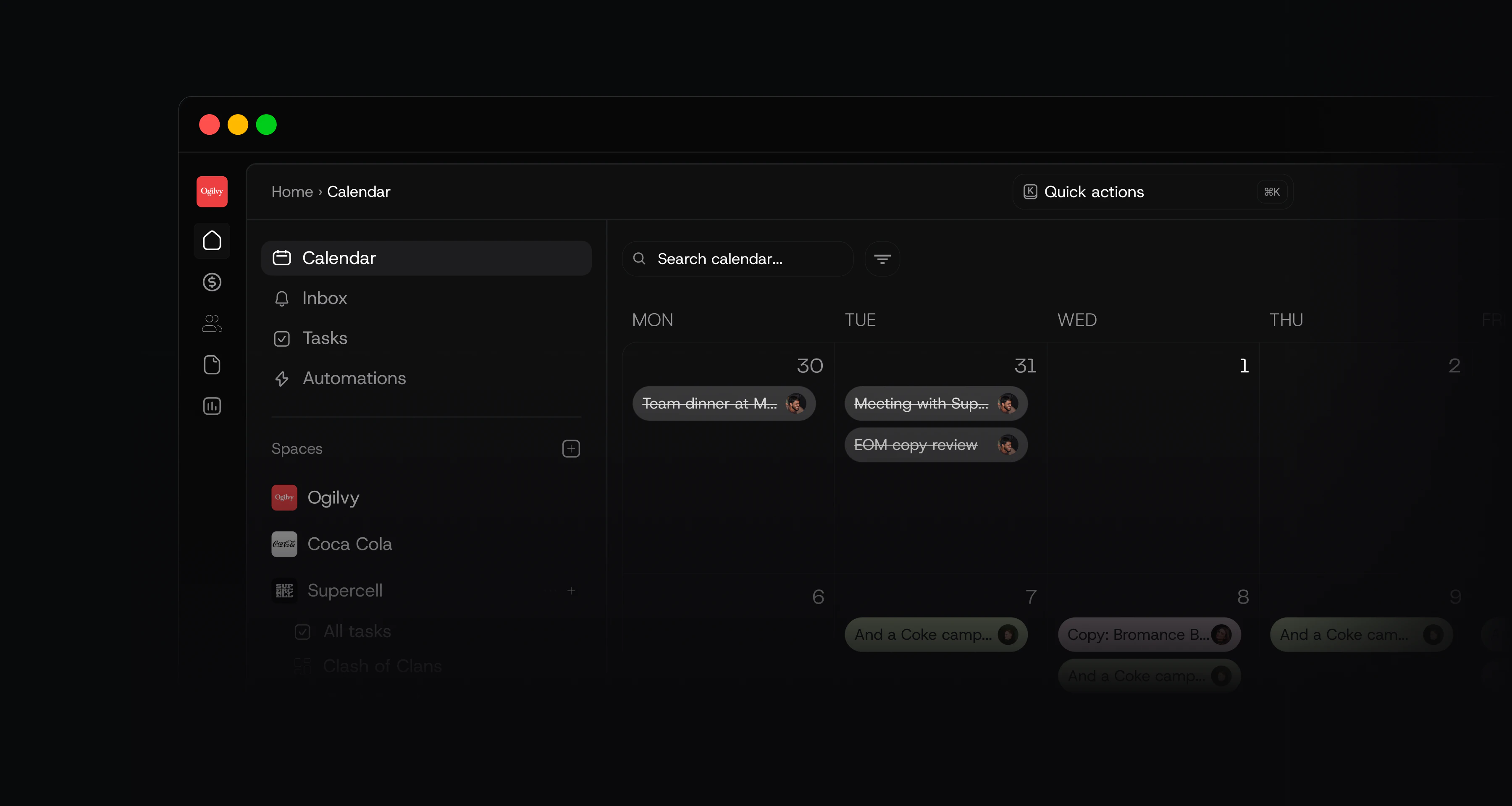
Spacing is tighter, real estate is optimised, and the buttons are less clunky. It's the same navigation you know, just cleaner, calmer, and easier on the eyes.
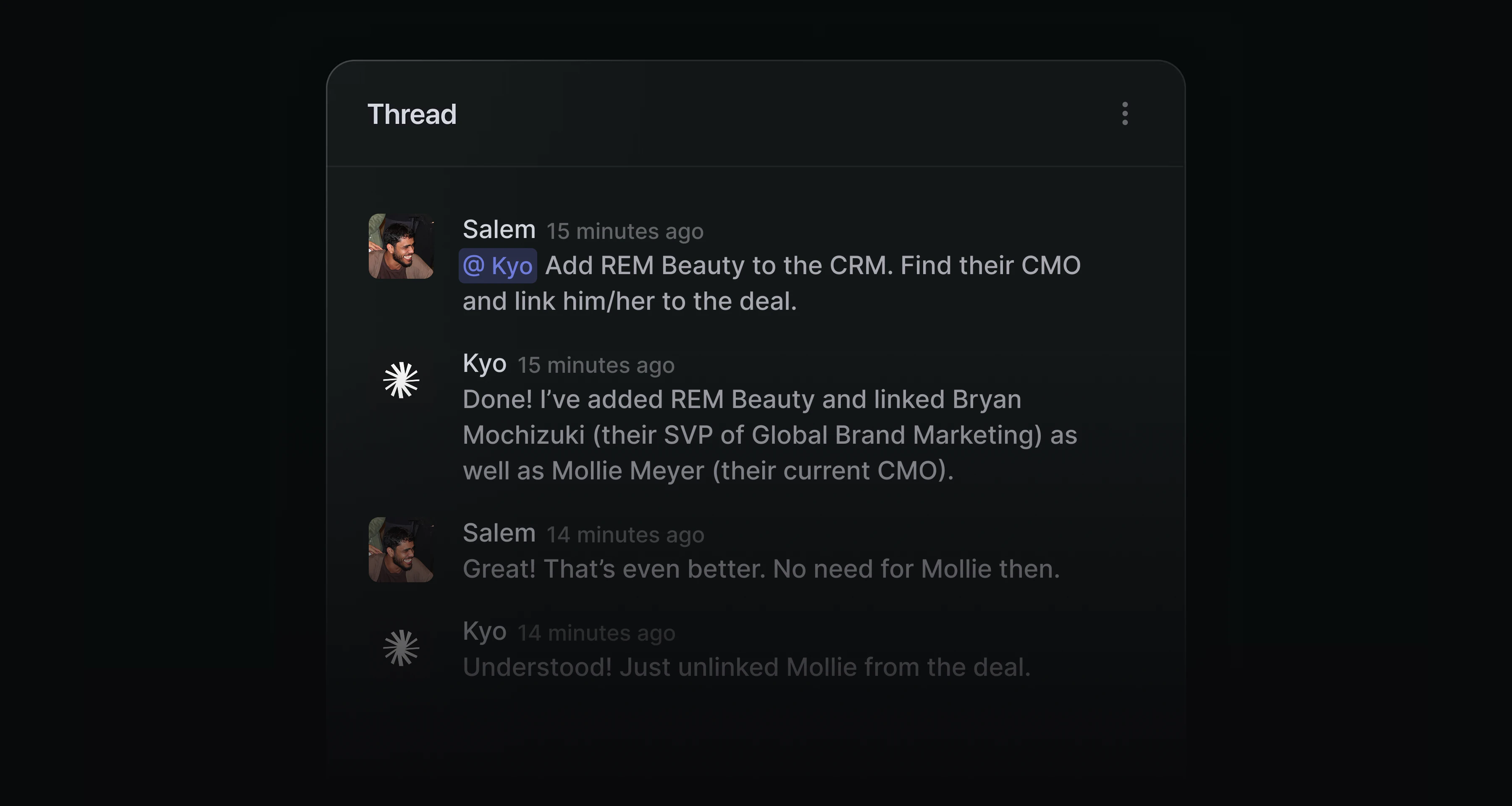
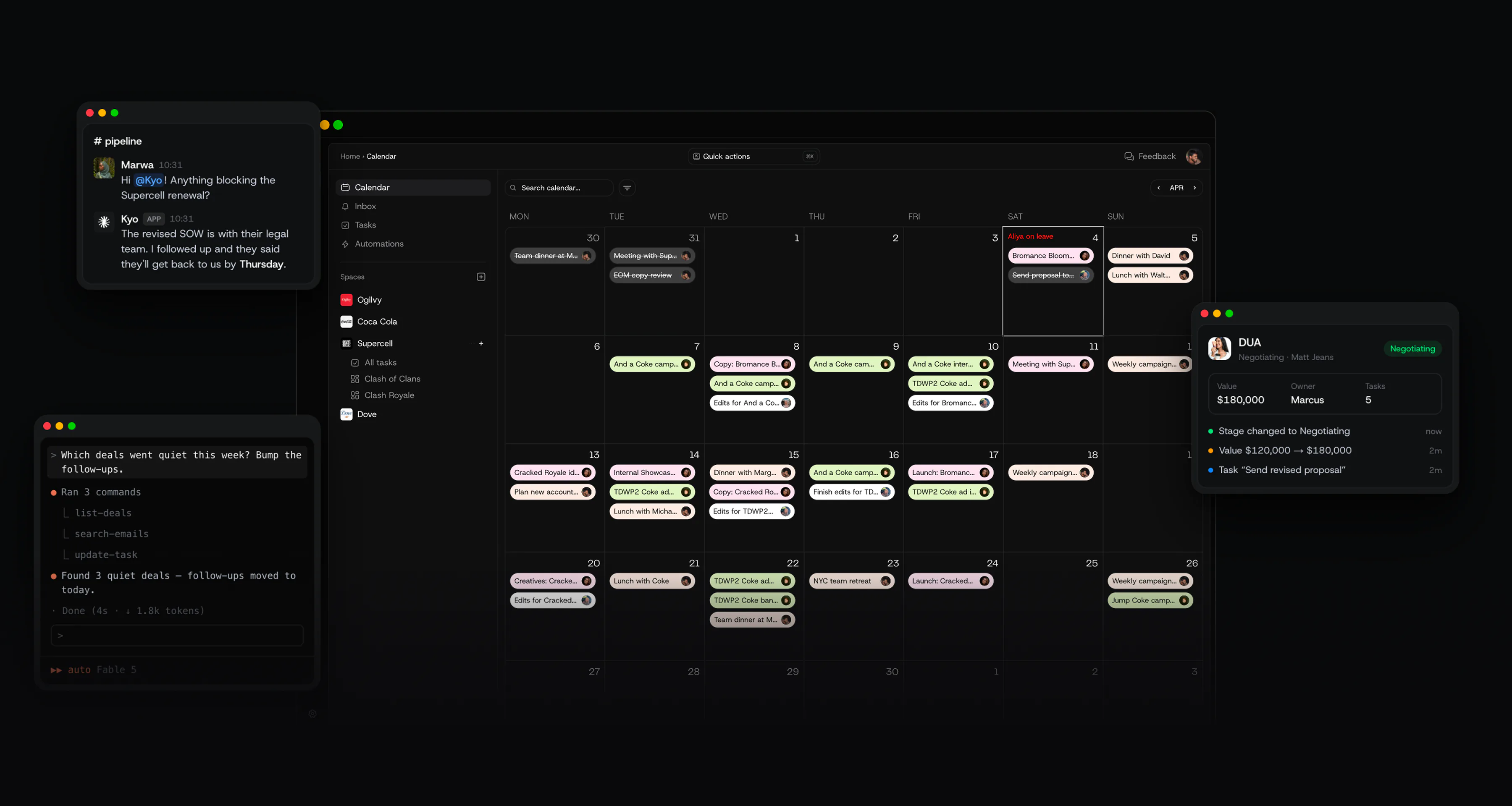
You can now use CRM Super from your Slack workspace by mentioning Kyo. Kyo reads the message, finds the lead, scrapes their info, and creates the deal automatically.
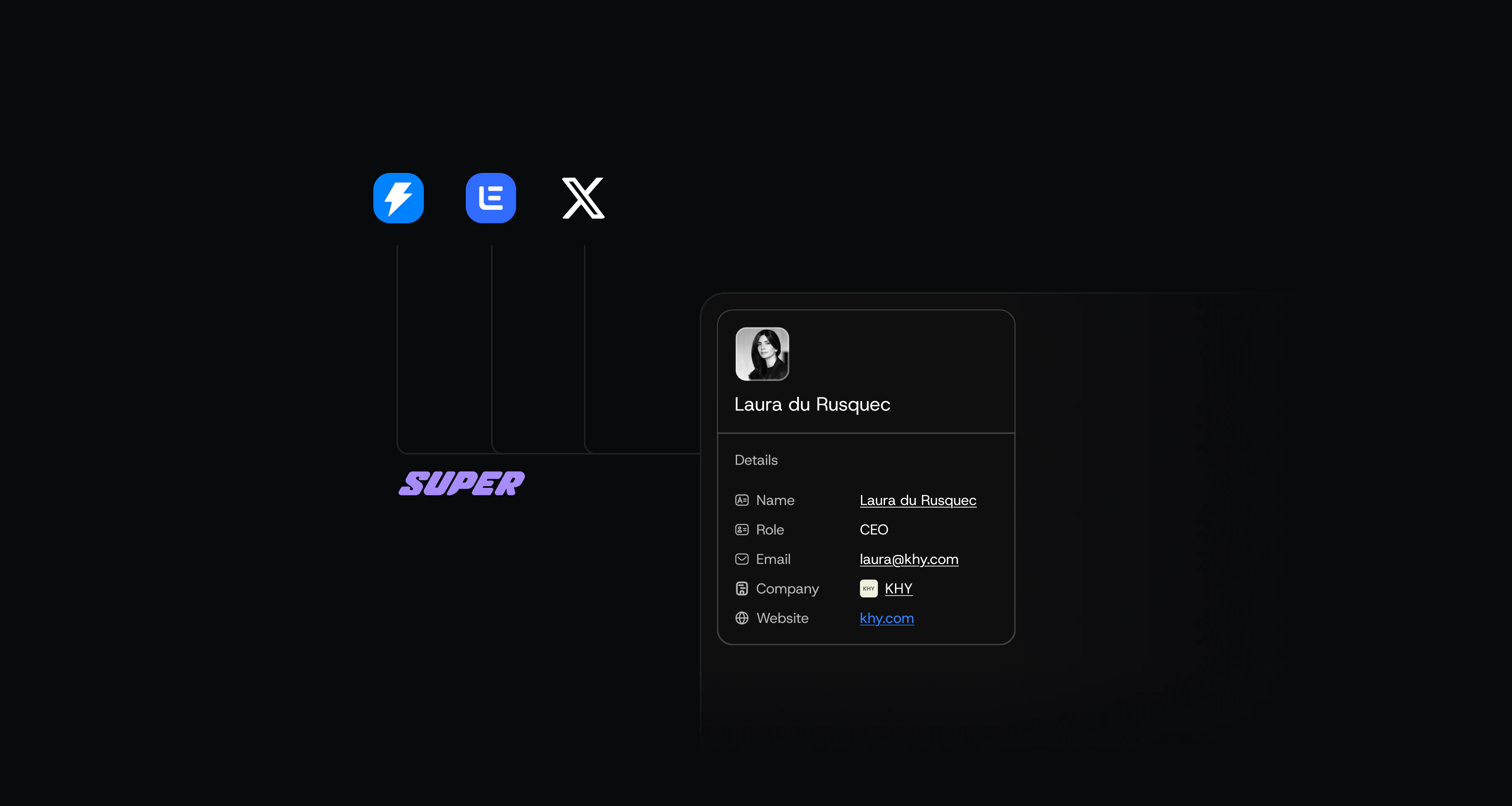
Kyo tracks emails and messages you send via Lemlist, Instantly, or X (Twitter), and automatically fills the CRM with deals based on your activity. Focus on sales, and let Kyo manage your pipeline.
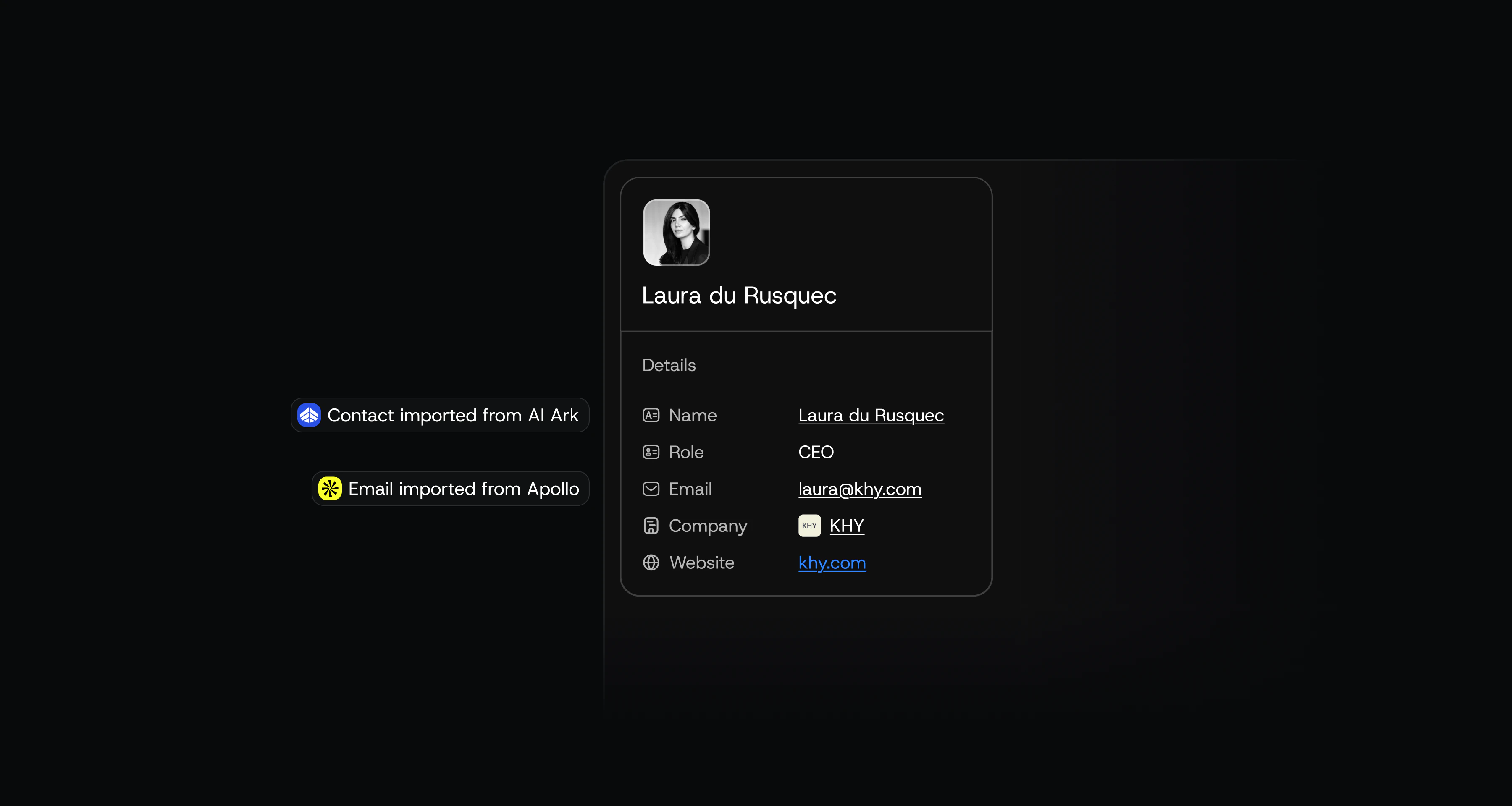
Connect Apollo or AI Ark to enrich lead data directly in your CRM.
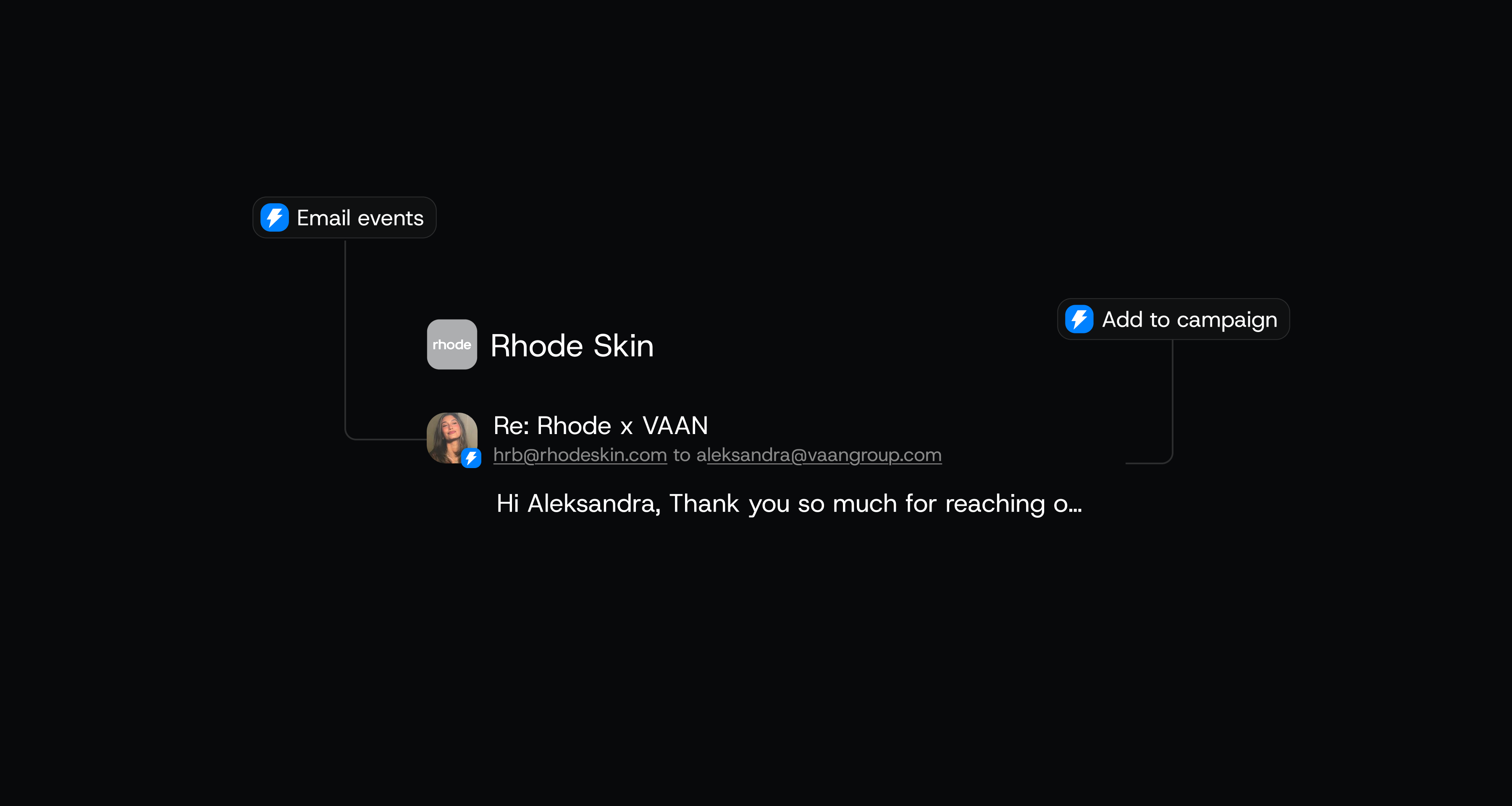
You can now manage Instantly campaigns directly from the CRM, add deals directly to your sequences, and automate pipeline movement based on campaign activity.
Connect Granola server to your Knowledge Base and turn meeting notes into actionable tasks.
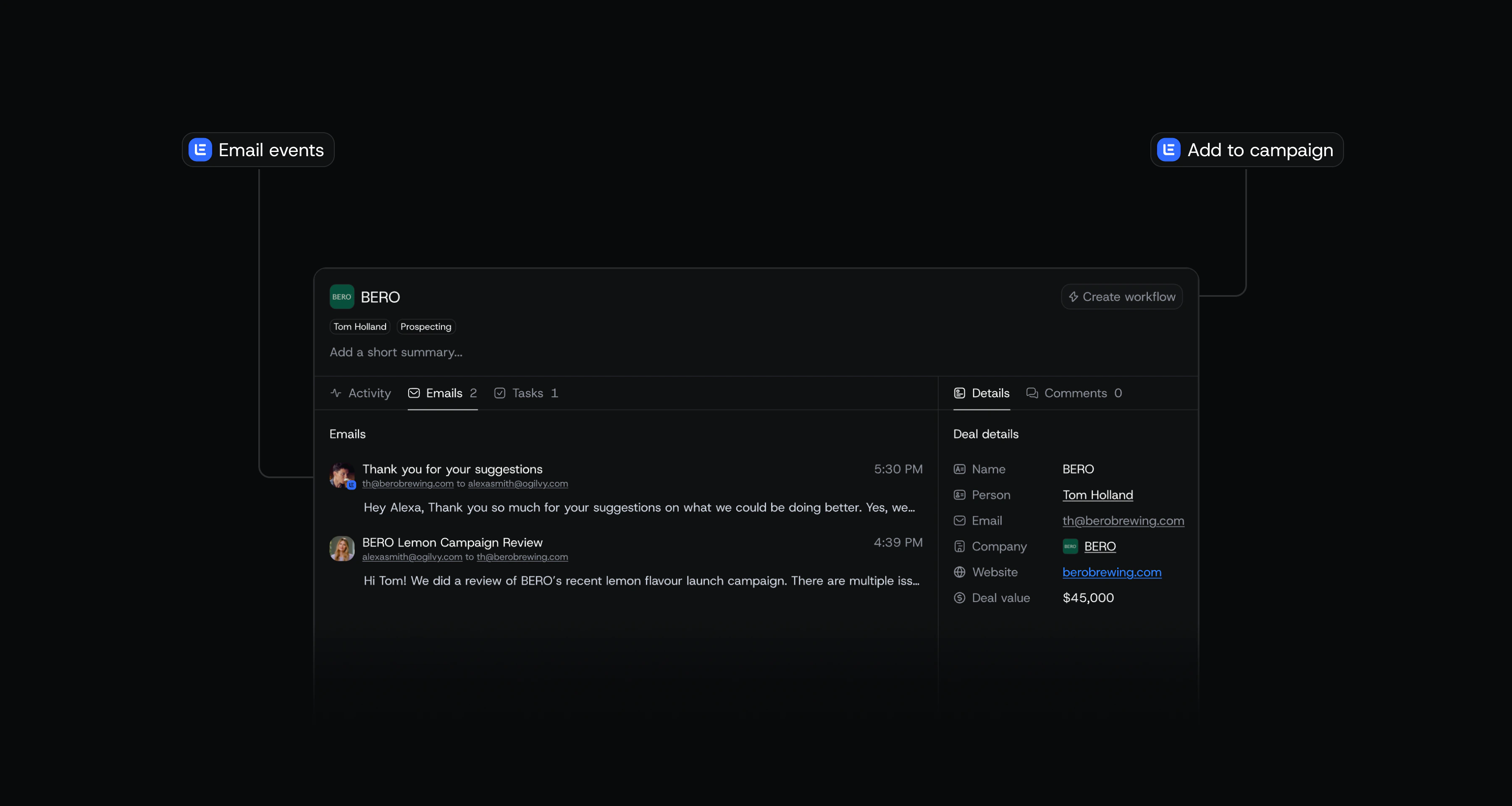
You can now manage Lemlist campaigns directly from the CRM, add deals directly to your Lemlist sequences, and automate pipeline movement based on Lemlist activity.
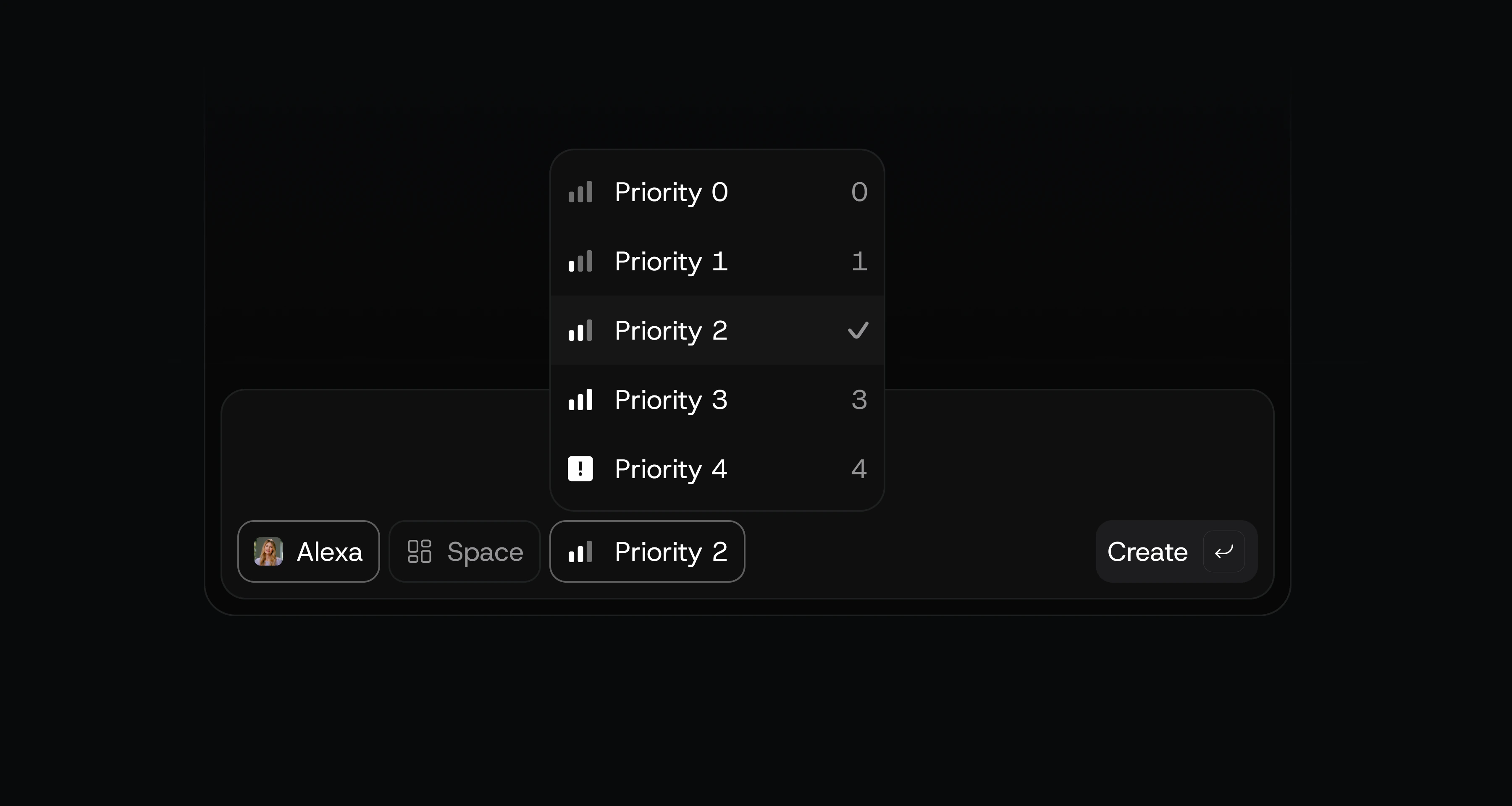
Task priorities allow you to keep track what's most important. This is also now weighted into team member performance metrics, so you can see how much weight each teammate is pulling.
We also added some small improvements here and there — cleaner onboarding, better text handling, faster loading speeds, better looking client spaces, and more.
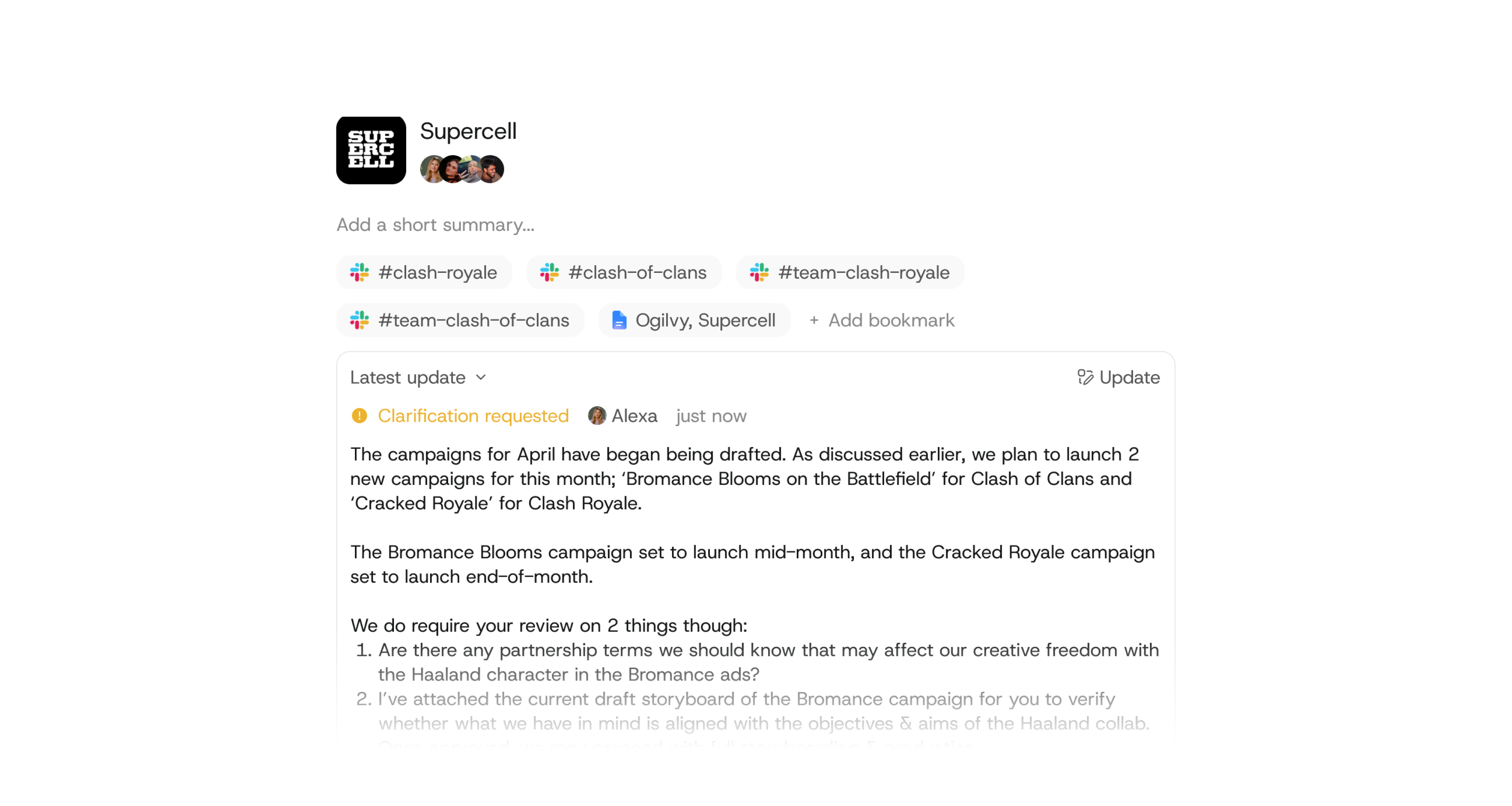
Every client's
└ Slack channel
└ meeting notes
└ strategy docs
└ progress updates
Now available in Kyo.
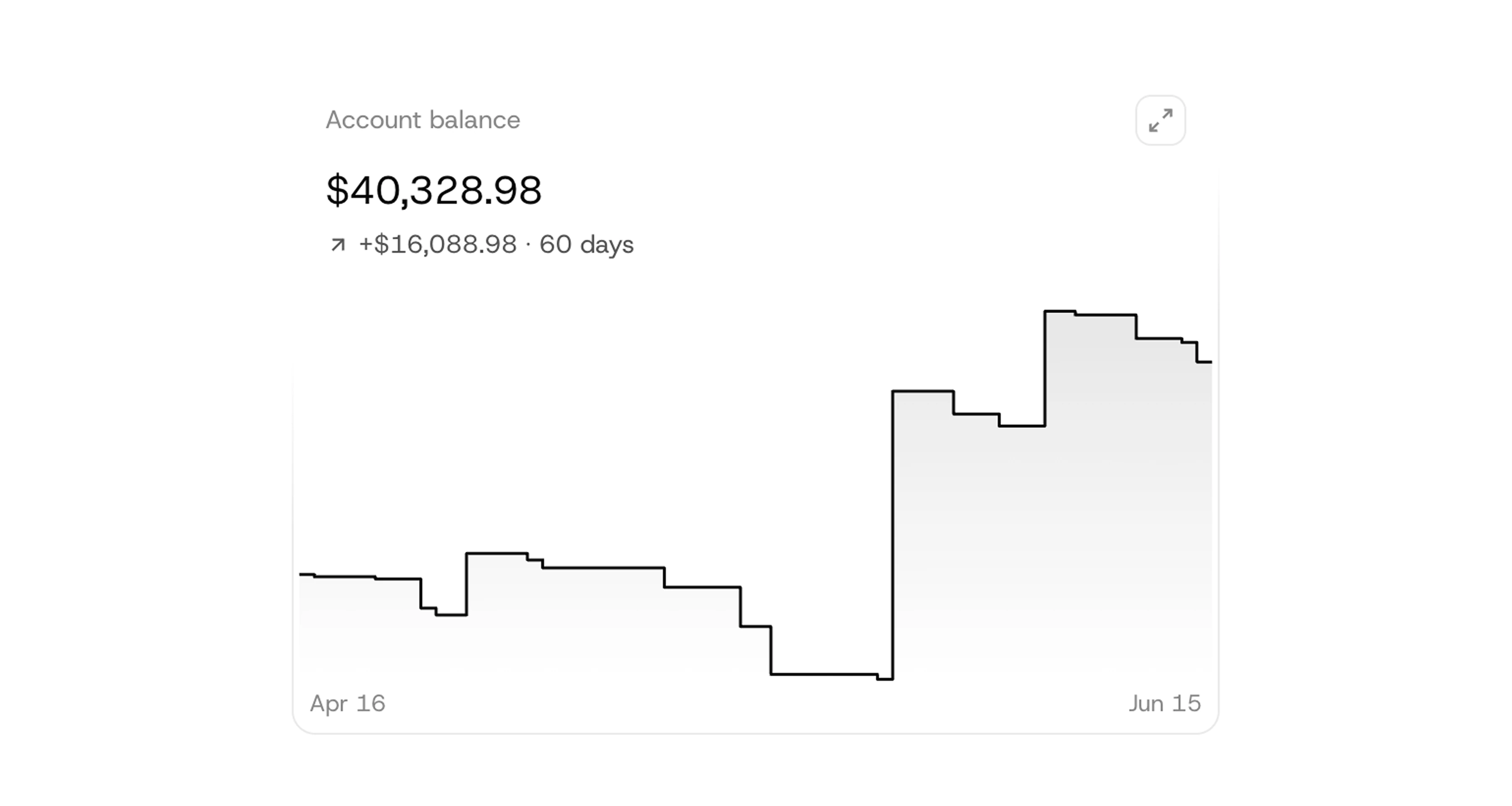
You can now monitor every aspect of your agency's finances. See account balance, upcoming expenses, income forecasts, profit margins, and expense breakdowns.
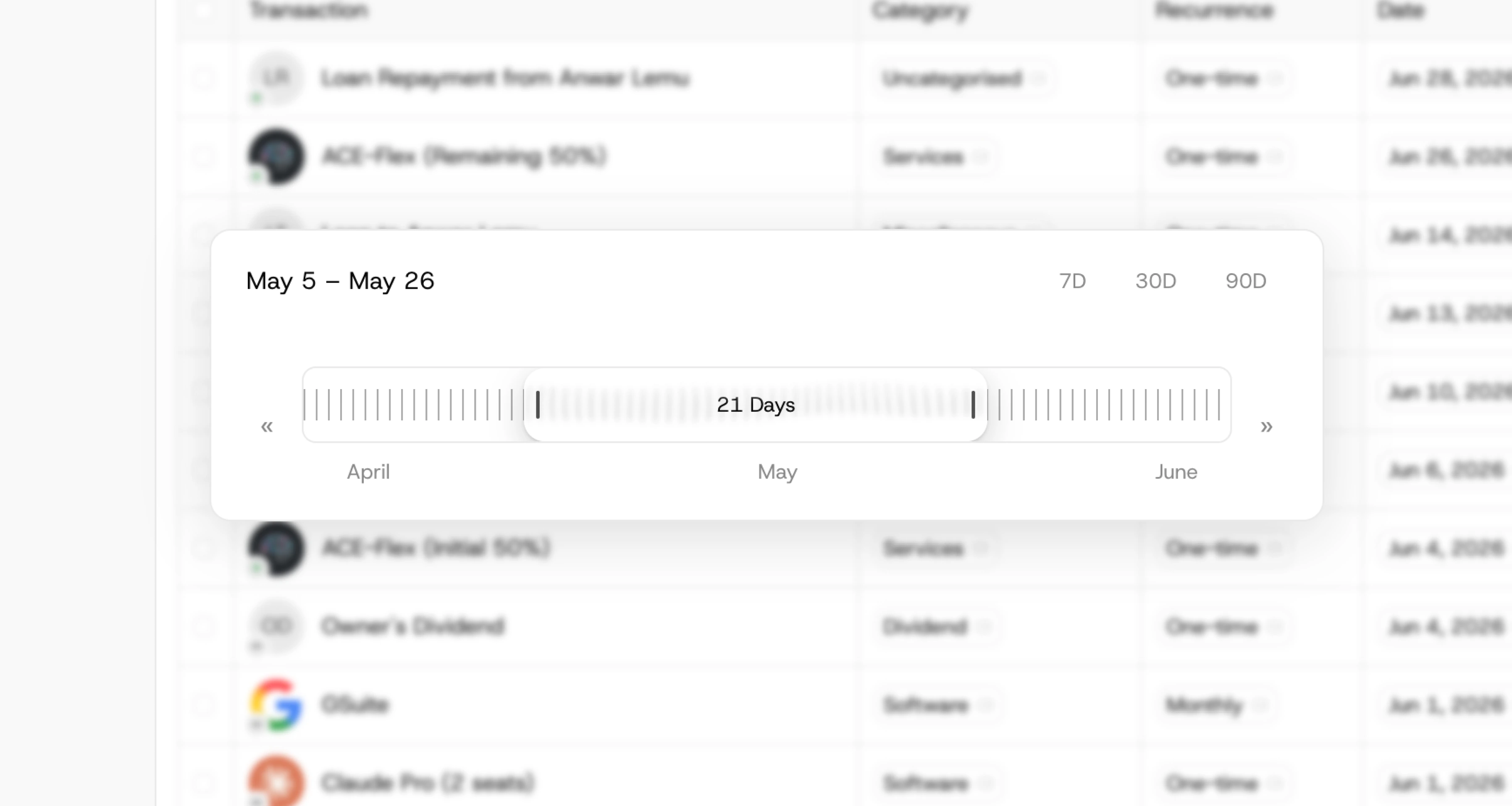
The new interface is designed for efficiency, and organisation, ensuring everything you need is easy to navigate and adjust.
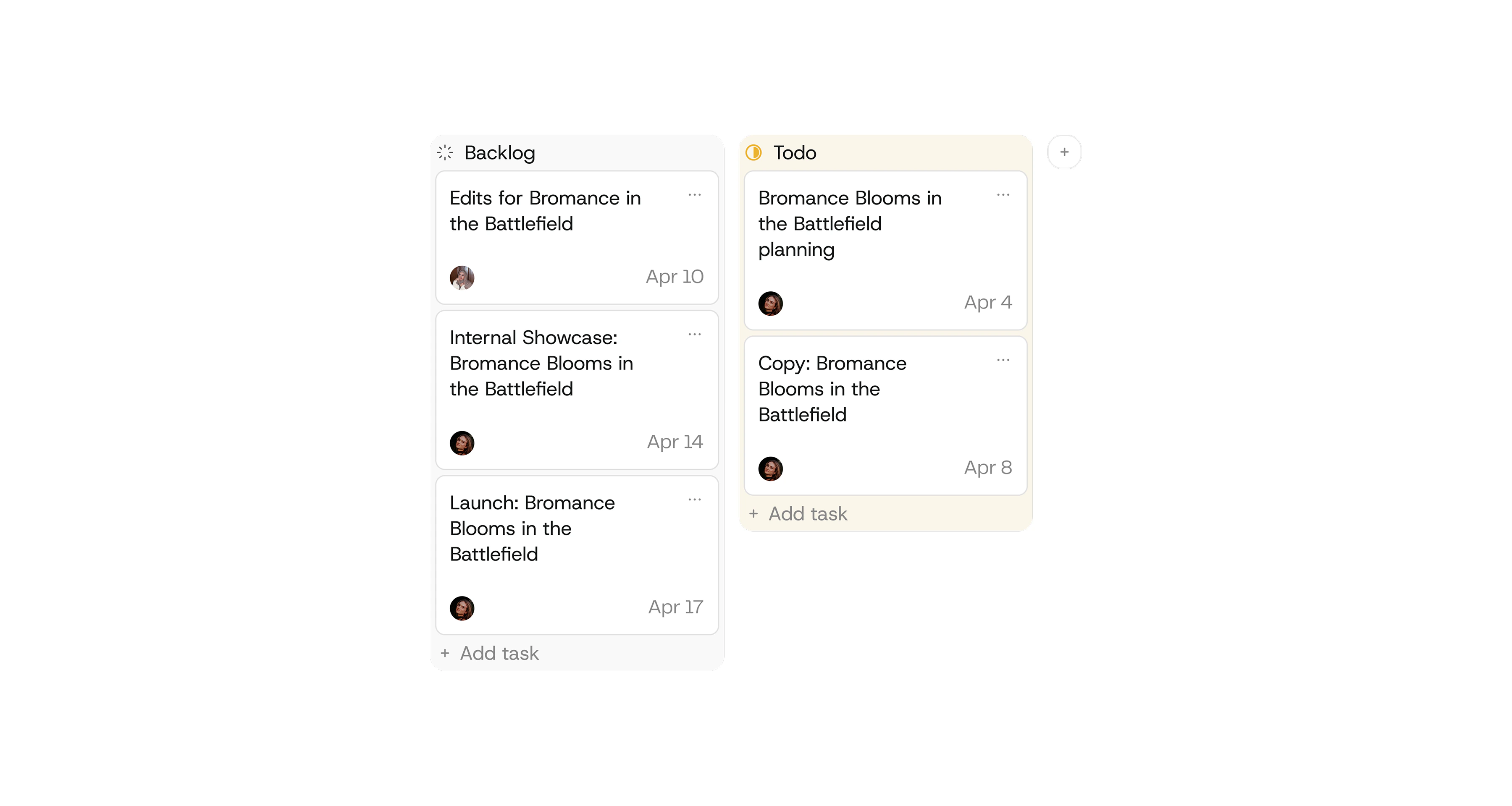
Manage projects better with the new project page. Move tasks across statuses and track everything that's going on with every project.
List and kanban views now available in Kyo.
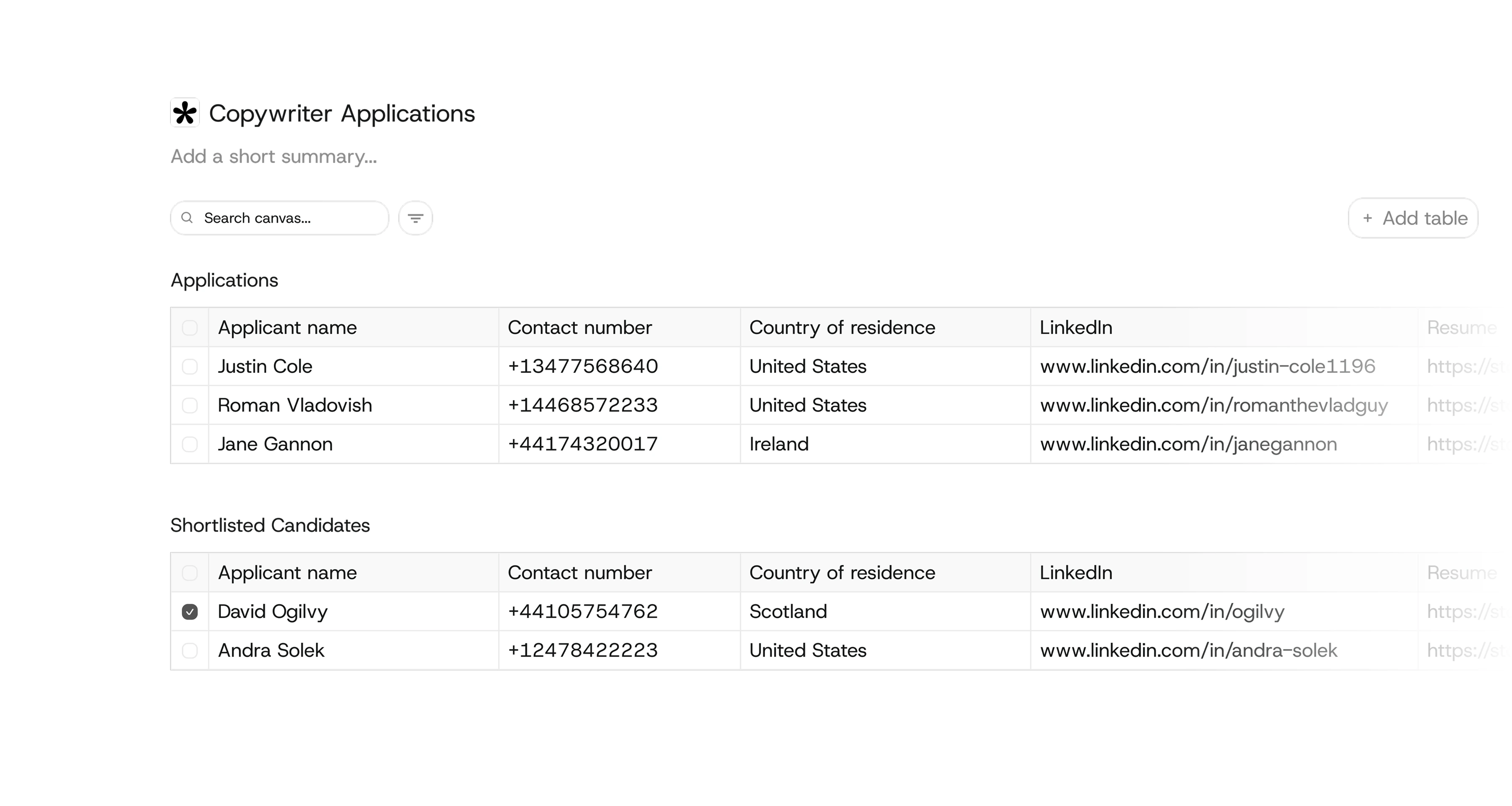
Kyo can now integrate with Typeform, Tally, Google Forms, webhooks, and CSV files to bring form submissions into your workspace.
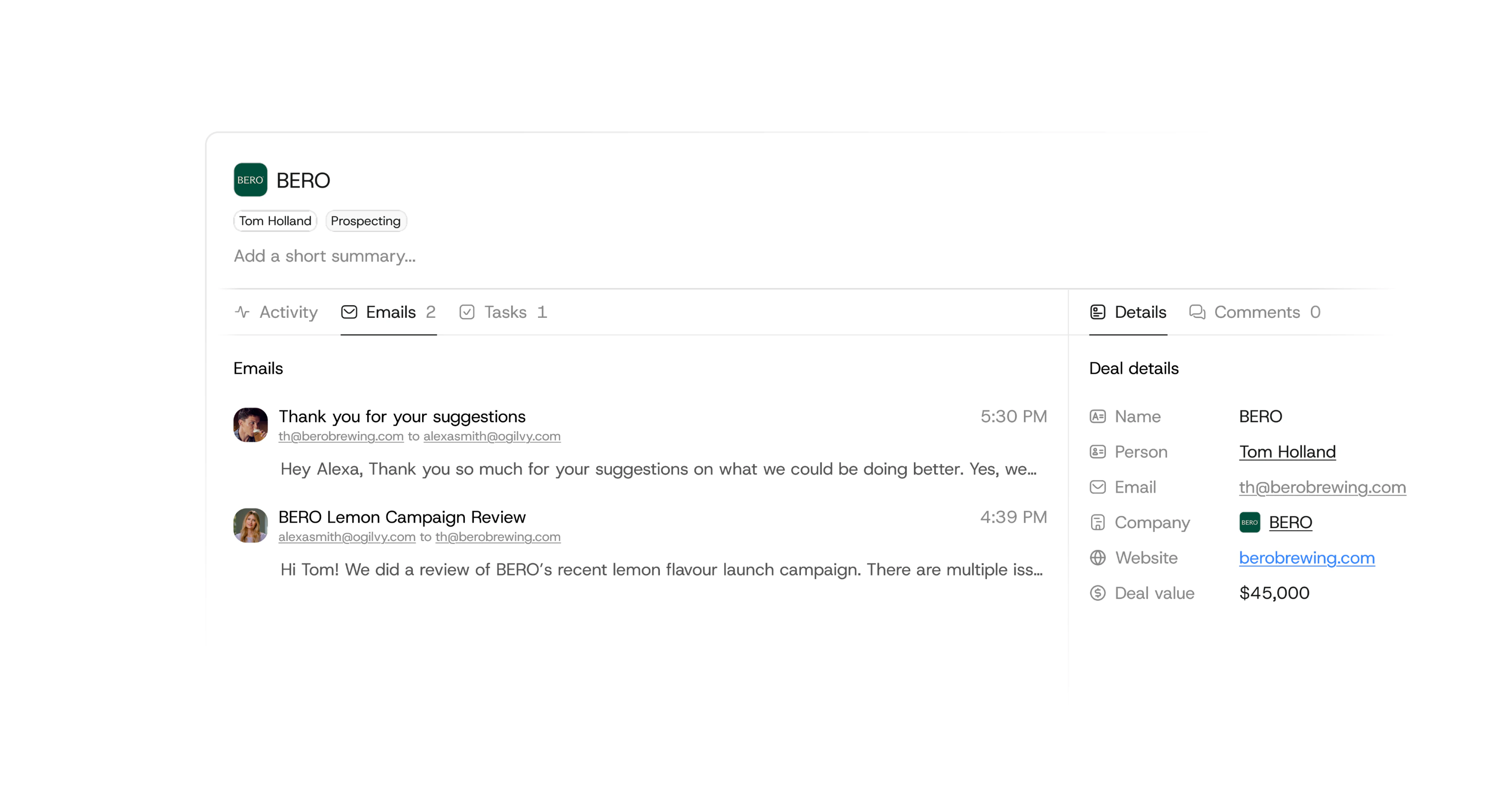
Kyo can now track deal activity through Gmail using the new deal details page, allowing you to see exactly what's going on with each lead.
Kyo is your agency's complete companyOS.