


Knowledge base
Uploads, live Google Docs & Sheets, Miro boards, and Granola notes — one unified list of everything your workspace knows.

Docs
SOPs, meeting notes, live Google files, and Miro boards in one library — with an AI assistant grounded in all of it.
Kyo is the future of agency documentation.
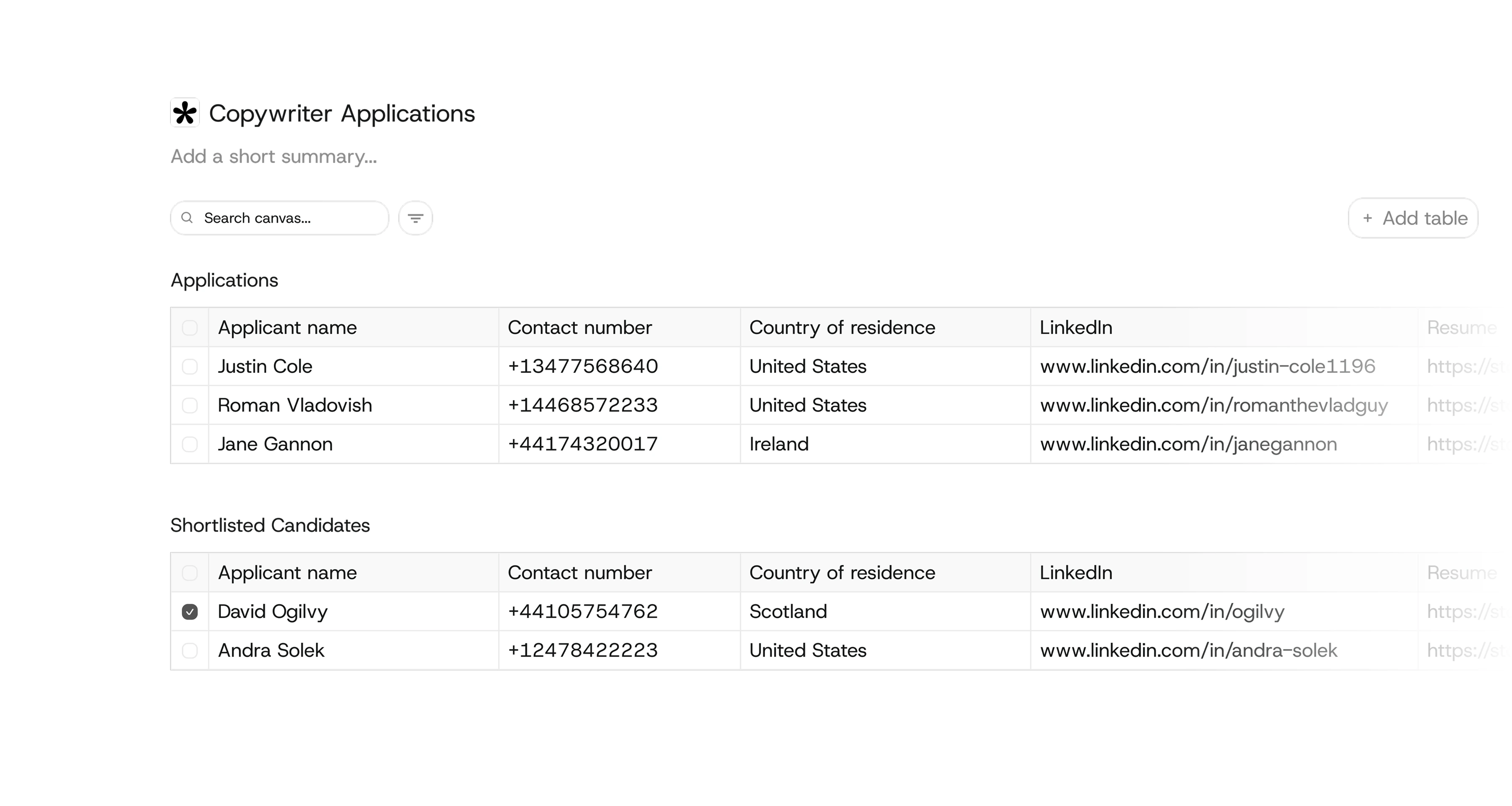
The details that round it out.
Uploads, live Google Docs & Sheets, Miro boards, and Granola notes — one unified list of everything your workspace knows.
Connect Google and your Docs & Sheets appear live — each member only ever sees their own files.
Connect Granola and meeting notes become part of the knowledge — and turn into actionable tasks.
It’s metered at actual cost, not bundled into a flat monthly fee. You pay for what you use, so a small team that asks a few questions a week isn’t subsidising heavy usage by a larger team.
The AI agent reads from the current state of your Library every time you ask a question. If a document gets updated, the next answer reflects the latest version. It pulls from what’s actually there, not a cached or pre-trained snapshot.
Yes. You can upload documents directly, build canvases from scratch, and use the AI agent from day one. Connecting Google, Miro, or Granola adds more sources over time, but the Library works on its own with uploaded files and internally created canvases.
Yes. When you connect Granola, your meeting notes become part of the knowledge base. The AI agent can reference them when answering questions, so you can ask things like “What did we decide about pricing in last week’s client call?” and get an answer grounded in the actual transcript.
Documents live in the Library alongside everything else in the workspace. Each client’s strategy docs, SOPs, and meeting notes sit within their dedicated space next to the projects and tasks being delivered. The knowledge base isn’t a separate silo; it’s part of the same workspace where the actual work happens.
Explore the rest of Kyo